
The Witch’s Bakery Demo Won’t Launch or Has No Sound: Fixes
Steam Community troubleshooting for The Witch’s Bakery demo: license errors after the Next Fest removal, first-dialogue input, and no sound fixes. Updated.
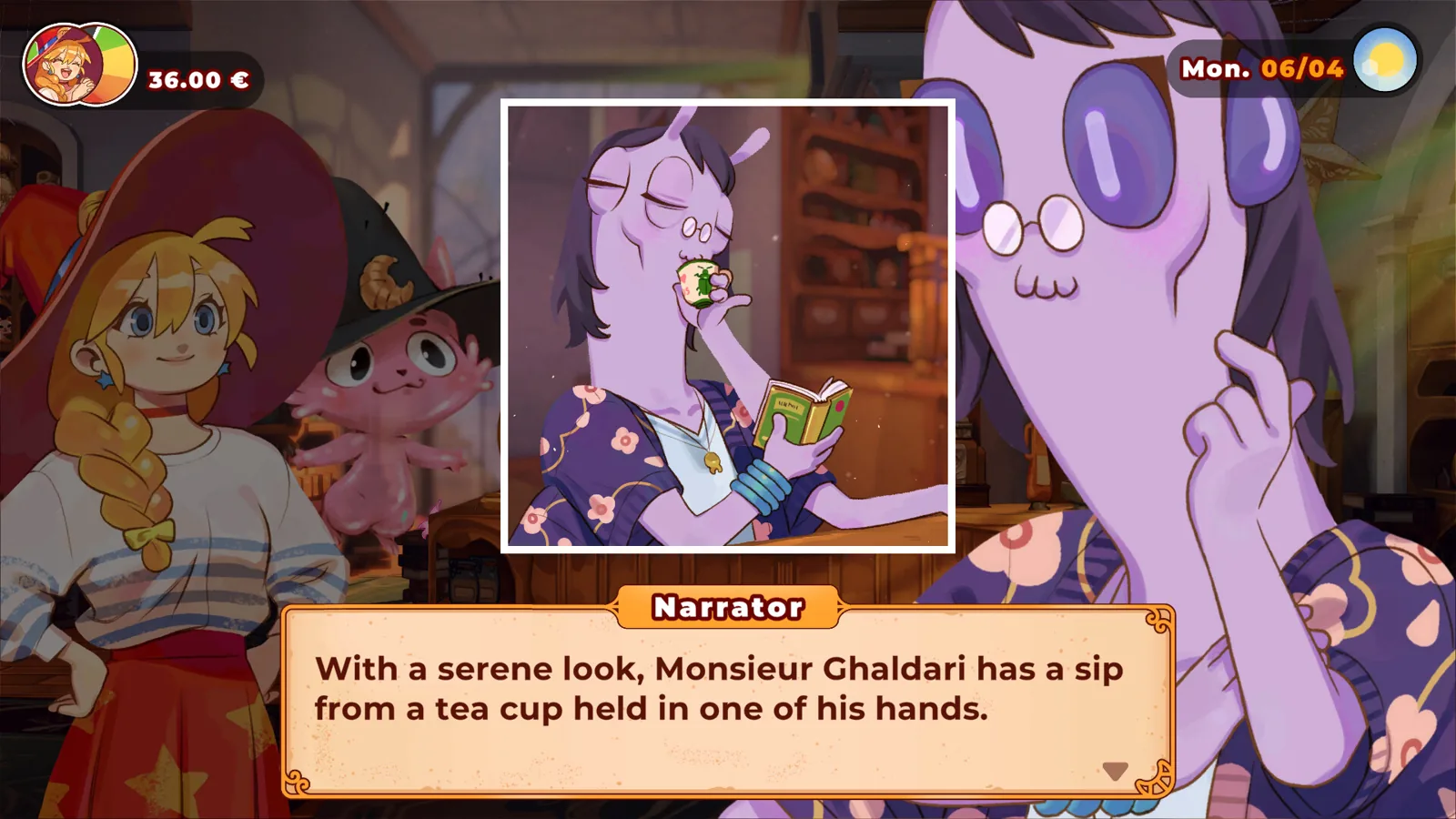
If you are troubleshooting the witch's bakery demo, split the problem by symptom: access and launch, first-dialogue input, or missing audio. The official demo window closed on September 25, 2026, so many launch failures are access problems rather than a broken local installation. The remaining symptoms have specific Steam Community reports from the demo period, but none of them should be treated as an official fix for the full release on October 14, 2026.
Check Access First: The September 25, 2026 Demo Takedown
Before changing drivers or verifying files, check the access window. On September 18, 2026, the official Steam news update announced that the demo would be playable only until September 25, 2026. The announcement also explained that the demo build from February 2026 no longer represented the launch-day experience, so the team chose to focus on final polish instead of releasing a new demo.
This page is not a download announcement. After September 25, 2026, you should not expect the demo to remain playable just because it appears in your Steam library or because you downloaded it during Steam Next Fest. The official statement was that the build was being removed because it "no longer accurately reflects the experience we are preparing for launch day."
| Date | Source or statement | What it means |
|---|---|---|
| February 2026 | Demo released | Initial Steam Next Fest build |
| September 18, 2026 | Official Steam news: demo playable until September 25; takedown because the old build no longer reflects the final game | The demo access window has a fixed end date |
| October 8, 2026 | Before You Buy news update; full game planned for October 14, 2026 | Full release is separate from the demo |
The full game is scheduled for October 14, 2026 on PC via Steam, PlayStation 5, Xbox, Nintendo Switch, and Nintendo Switch 2. Mobile releases are also planned later through Crunchyroll Game Vault. This page keeps the demo access and Steam Community troubleshooting in one place rather than creating a separate console demo guide, because the available public sources do not contain separate console demo fixes.
Launch and License Errors: Access, Not a Local Crash
Some launch failures match an expired access pattern. On March 5, 2026, player BakaNingen94 reported that the demo would not start and displayed an error code saying they did not have any licenses to play. A developer from Silver Lining, Oliwia, replied on March 9, 2026: "The demo was only available during Steam Next Fest."
Community members added context. DimenSean noted on March 6, 2026 that some companies remove demo availability after Steam Next Fest. Fengard added on March 7, 2026 that the demo was a timed Steam Next Fest build and that not every developer keeps the page active. This means a license error is not likely to be solved by reinstalling the same demo.
| Launch symptom | Likely cause | First action |
|---|---|---|
| Error says you do not have a license to play | The demo was timed for Steam Next Fest and was later removed | Check the official news date for the September 25, 2026 takedown |
| Game appears in library but will not start after the takedown | Access window ended | Wait for the full release or a future official demo announcement |
For the witch's bakery demo, one important distinction is that even players who downloaded the demo during Next Fest reported license errors later. The March 5 thread included that exact sequence, so do not assume a local file repair will restore access if the license itself is no longer granted. As of October 9, 2026, the Steam store page lists the planned release date as October 14, 2026.
Stuck on the First Dialogue Line: Try the Spacebar
If the demo launches but freezes on the first sentence, a community report says the input may be the problem. On March 1, 2026, player RRRRRL520 wrote that the game was stuck on the first sentence and mouse clicks would not continue. Another player, jdtibbs, replied on March 2, 2026: "I also had this issue, turns out you need to use the keyboard (spacebar)."
That is a player-reported workaround from the demo thread, not a developer fix for stuck screens in general. It applies specifically to a state where the mouse does not advance the dialogue, but the game is otherwise running. Press spacebar once and check whether the conversation advances before trying more invasive steps.
| Dialogue symptom | Community report | Suggested action | Status |
|---|---|---|---|
| First sentence freezes and mouse click does not work | RRRRRL520, March 1, 2026 | Try spacebar or keyboard input | Player-reported workaround |
| First talking screen shows a visible arrow, but the arrow does not respond | Broadway, July 31, 2026 | No confirmed workaround; provide details to the developer | Developer requested more info on September 4, 2026 |
The second case is different from the first because the player reported a visible arrow next to the dialogue box that did not work, and Escape did not work either. The available thread does not confirm that the spacebar workaround resolved that version, so it remains a separate unresolved report.
No Sound: Verify the Demo Files Through Steam
A separate audio symptom appeared in a May 30, 2026 thread. Tinybeefriend reported that the demo had no sound while the game ran fine otherwise. The same player updated the thread: "Verifying the files seemed to fix it." A developer marked that update as the answer.
This is a demo-thread result, so it should not be presented as an audio fix that works on other systems or in the full game. If you have no sound, begin with Steam's file verification option for this title. The report says the issue was resolved by file verification, but the source does not provide evidence that it repairs every possible audio failure.
| Audio symptom | Report | Action | Status |
|---|---|---|---|
| No sound at all, but gameplay runs | tinybeefriend, May 30, 2026 | Verify the game files through Steam | Player-reported fix; developer marked the answer |
Because the demo build was the same as the Steam Next Fest build and the team said they were focusing on fixes for the full game, players should not expect a new demo patch for this audio issue. If file verification does not work, the next step is to report it in the Steam Discussions with the details of your setup.
Still Stuck After the First Step: Report the Unresolved Cases
Some reports did not have a posted workaround. On August 11, 2026, player 1263090460 wrote that even after setting quality to low, the game still stuck at the first step and would not proceed. On September 4, 2026, SilverRoss asked for more information and PC technical specs to investigate.
A separate July 31, 2026 report by Broadway described the first talking screen arrow as visible but not working. Restarting the computer and redownloading did not help. SilverRoss also asked for more info and PC technical specs on September 4, 2026. These cases are still unresolved in the available threads, so there is no fix to claim here.
The official news makes the unfinished state clear: the demo build is the same as the Steam Next Fest build, and the team is focusing on implementing fixes into the full game rather than updating the demo. If you still hit a freeze after trying the spacebar and file verification, report it in the Steam Discussions with the exact screen, what you already tried, and your PC specs.
| Reporting item | Why it matters | Source |
|---|---|---|
| Exact screen where the demo freezes | Helps the developer separate dialogue input, audio, or startup bugs | SilverRoss request |
| PC technical specs | Gives the team hardware context for reproduction | SilverRoss request |
| Steps already tried | Avoids re-suggesting mouse, spacebar, quality, restart, or reinstall attempts | Community reports |
| Date and build context | Demo is an old Next Fest build, so the full game is the current focus | Official news update |
This page handles the Steam Community reports for the demo and its access variants in one place rather than creating duplicate download or console demo pages. The available sources do not contain separate console demo troubleshooting facts, so the expiration and unresolved reports remain the relevant public record.
FAQ
Is The Witch’s Bakery demo still playable after September 25, 2026?
No. The official Steam news update on September 18, 2026 said the demo would be available until September 25, 2026. The same update explained that the old build no longer matched the launch-day experience, so it was not being replaced with a new demo.
Why does the witch's bakery demo show a license error even though I downloaded it during Steam Next Fest?
The reported license error matches the timed access model. Developer Oliwia @ Silver Lining said on March 9, 2026 that the demo was only available during Steam Next Fest. One player reported exactly that sequence in a March 5, 2026 thread and received the same explanation.
Does pressing the spacebar fix first-dialogue freezes?
No. A March 2, 2026 player report said the spacebar fixed a first-sentence freeze when mouse clicks did not work. Other first-dialogue or first-step reports, such as the July 31 and August 11, 2026 threads, did not post a workaround and the developer asked for specs instead.
Will verifying game files restore sound?
No. The May 30, 2026 report said verifying the files fixed no sound, and a developer marked that update as the answer. It is a demo-thread success, not a fix the developer has stated works on other PCs or in the full game.
Related Articles
Continue Reading
The Witch’s Bakery Gameplay: Daily Phases and Time Guide
Discover the daily daytime, evening, and night action plan for The Witch's Bakery, plus why the witch's bakery gameplay has a final date but no fail state.
Gameplay guidesThe Witch’s Bakery Romance Options: Estelle Only, Chapter 2
The Witch's Bakery romance options: Estelle only, first met in Chapter 2. Get the October 8, 2026 Steam news on narrative choices and friendship mechanics.
CharactersThe Witch’s Bakery Lunne: Emotion Points and Skill Tree
Discover what the witch's bakery lunne emotion points do in the demo, where the Heart Palace skill tree unlocks, and why the demo shows it but locks it.